Account Security After Login
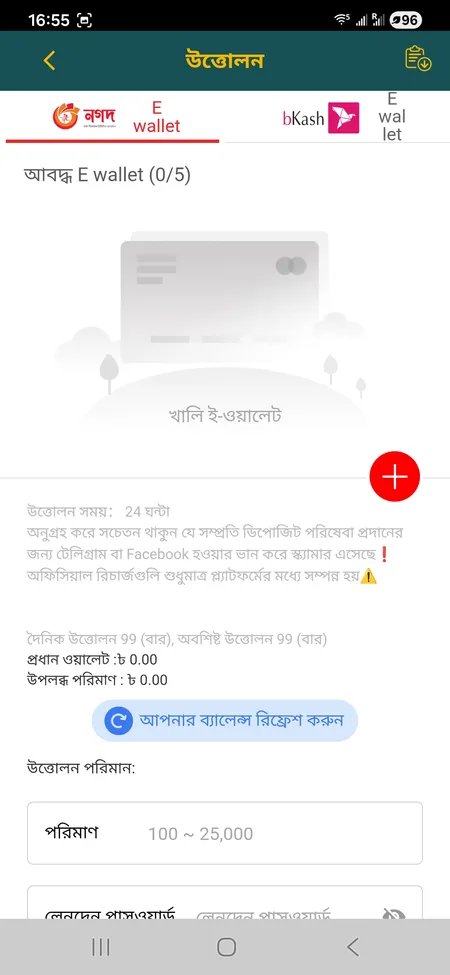
L444 uses SSL encryption on all data transmitted between your device and the server. After login you can access profile settings to review active sessions, update your password and manage linked payment wallets (up to 5 bKash or Nagad accounts).
Key security habits that reduce risk on your account:
- Use a unique password not shared with email or social media.
- Avoid logging in from public Wi-Fi without a VPN.
- Do not share login credentials with anyone, including people claiming to be L444 staff.
- Enable biometric login on the app so your password is not typed in public places.
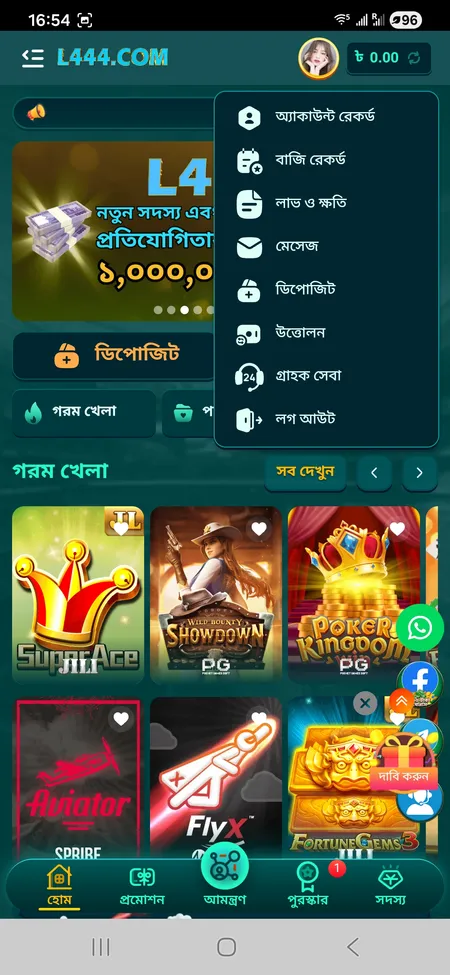
- Log out manually from shared devices - use the 'Logout' option inside the Member menu.
The platform's anti-fraud rules state that multiple accounts sharing one IP address or phone number are treated as a violation. Bonus winnings on duplicate accounts are cancelled, so always operate a single account.
To access deposits, withdrawals or bonus claims, you must be logged in. First-time withdrawals may trigger a KYC check where you submit your NID or passport along with proof of address. Once verified, standard withdrawal processing via bKash or Nagad takes 5-15 minutes for most users.
For a full overview of what is available after login - including the L444 bonus offers, VIP rewards and referral program - explore the promotions section after signing in.